Lightning Speed
Remove background from any image in seconds. Skip manual cutouts and save hours of editing time.
- Remove background in seconds
- Instant transparent PNG results
- Drag, drop, done
Page loading...
Page loading...Page loading...
Page loading...Drag the slider to compare original images and background-removed results. Our AI background remover handles a wide range of subjects with clean, precise edges.
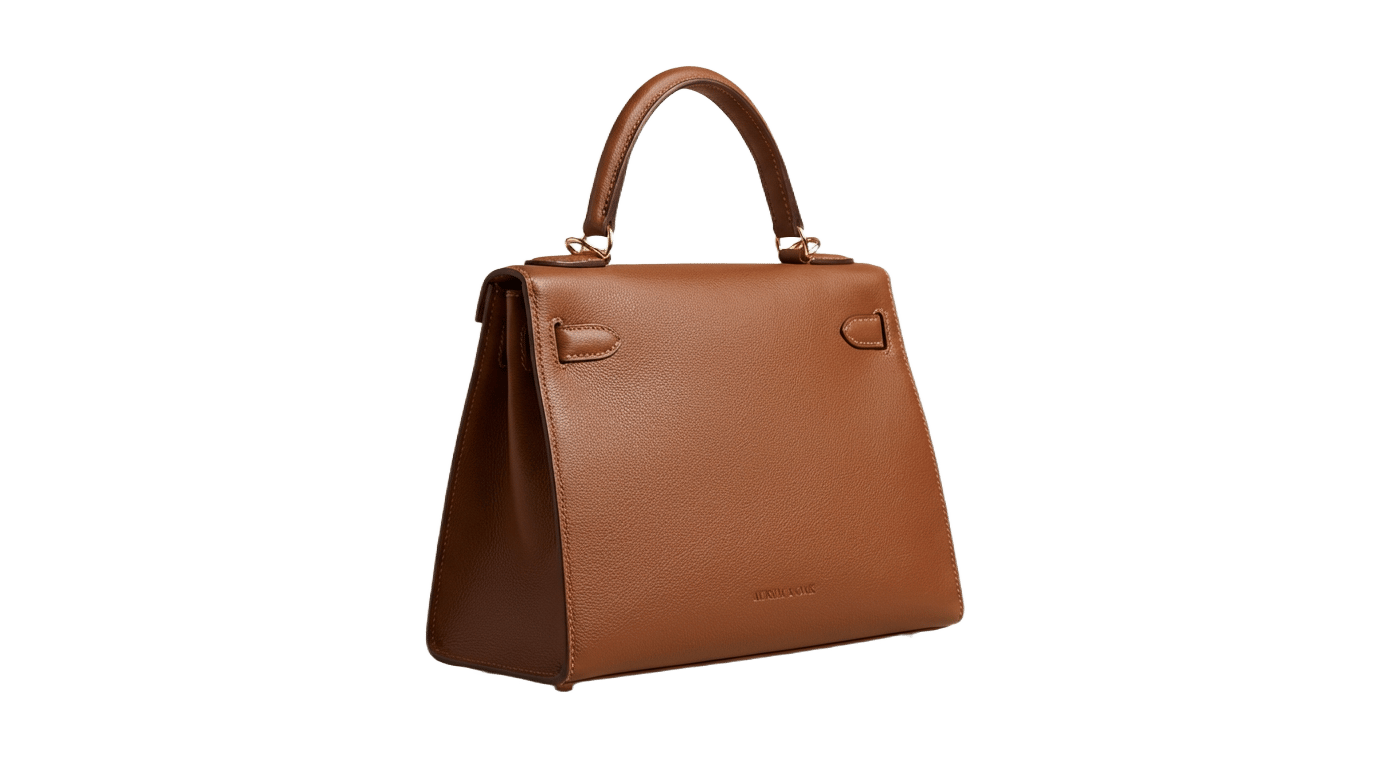
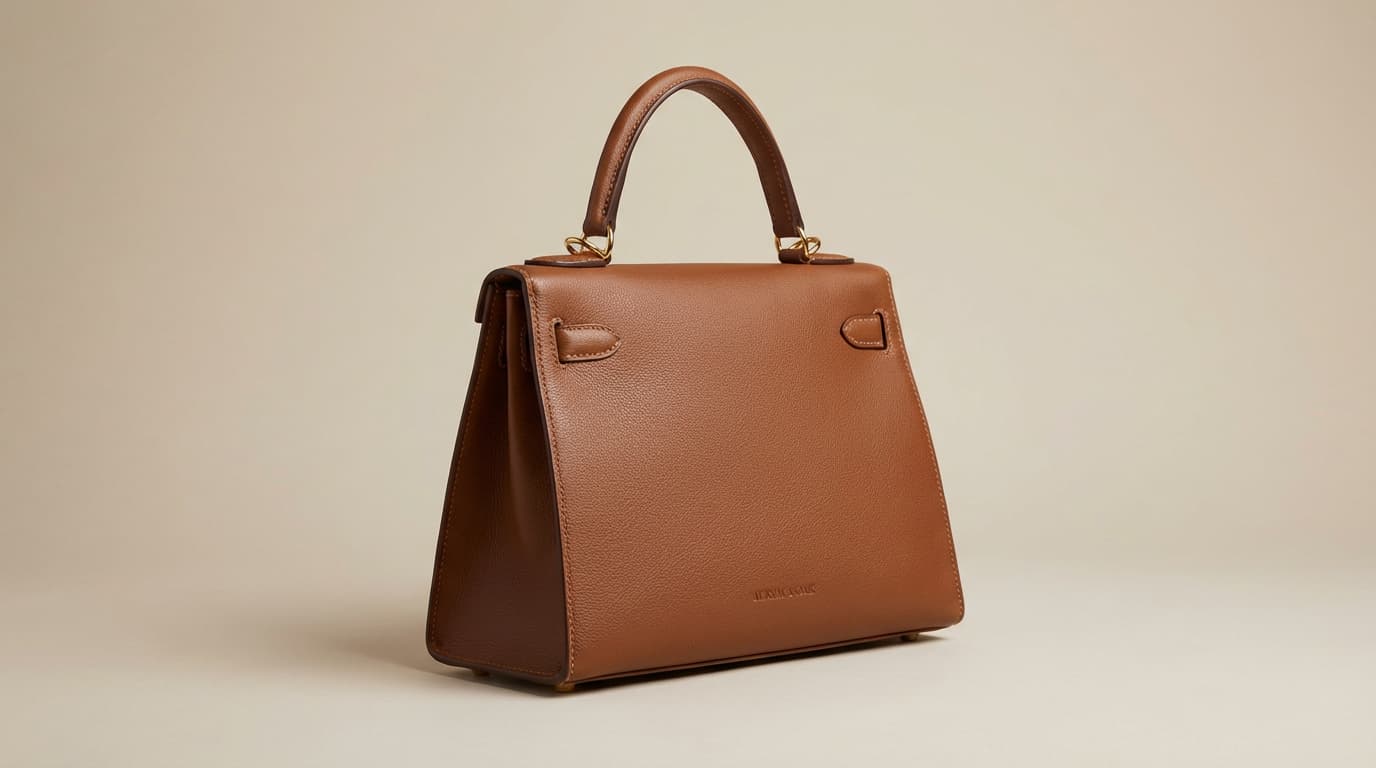
Use the image background remover to create clean product cutouts for e-commerce listings, ads, and catalogs. Remove background from product photos and get transparent PNG files ready for any storefront.
A fast, accurate, and free online background remover built for creators, marketers, and anyone who needs clean image cutouts.
Remove background from any image in seconds. Skip manual cutouts and save hours of editing time.
AI edge detection delivers clean, professional results on complex subjects like hair and fur.
Get studio-quality transparent PNG output. Perfect for product pages, social content, and print-ready materials.
Our online background remover makes it simple. Upload, process, and download your transparent image in seconds.
Drag and drop or select any photo from your device. The background remover supports JPG, PNG, and WebP formats up to 10 MB.
Our AI background remover detects the subject and separates it from the background with clean, precise edges. Processing takes just a few seconds.
Download your background-removed image as a transparent PNG. Use it directly in storefronts, social media, presentations, or design files.
Frequently asked questions about Imaginify's free online background remover
A background remover is an online tool that uses artificial intelligence to automatically detect the subject in your image and remove the background. Imaginify's AI background remover delivers clean, transparent cutouts in seconds without any manual editing required.
Yes, Imaginify offers a free background remover that you can use online. Free users receive credits to remove backgrounds from images. For higher volume usage, premium plans are available with additional credits and features.
Simply upload your image to Imaginify's online background remover, and our AI will automatically detect the subject and remove the background. You can drag and drop any JPG, PNG, or WebP file, and download the transparent result in seconds.
Imaginify Background Remover supports common image formats including JPG, JPEG, PNG, and WebP for upload. The background-removed result is exported as a transparent PNG file ready for immediate use.
Absolutely. Our background remover accepts PNG files as input and outputs clean transparent PNG files. Whether you need to remove background from a PNG image or convert any photo to a transparent PNG, this background remover handles it seamlessly.
Our AI background remover is designed for high accuracy across most image types, including complex subjects with hair, fur, and semi-transparent elements. The quality of background removal depends on the original image resolution and subject complexity.
Yes, our photo background remover is ideal for product photography. E-commerce sellers use Imaginify to remove backgrounds from product images and create clean, professional cutouts for listings, catalogs, and marketing materials.
Yes, the logo background remover extracts logos and graphic elements with clean edges and perfect transparency. Remove background from logos to create versatile assets for websites, business cards, social media, and print materials.
Try our free online background remover now. Upload your first image and get a clean, transparent cutout in seconds.
Imaginify Background Remover lets you remove image backgrounds in seconds. Upload any photo, product image, portrait, or logo and get a clean transparent PNG. Our free AI background remover delivers professional results without manual editing.
Drag and drop an image here
Or paste an image from clipboard
Try a sample image
By continuing, you agree to our Terms of Service & Privacy Policy.