0/2000
00
Featured Remixes
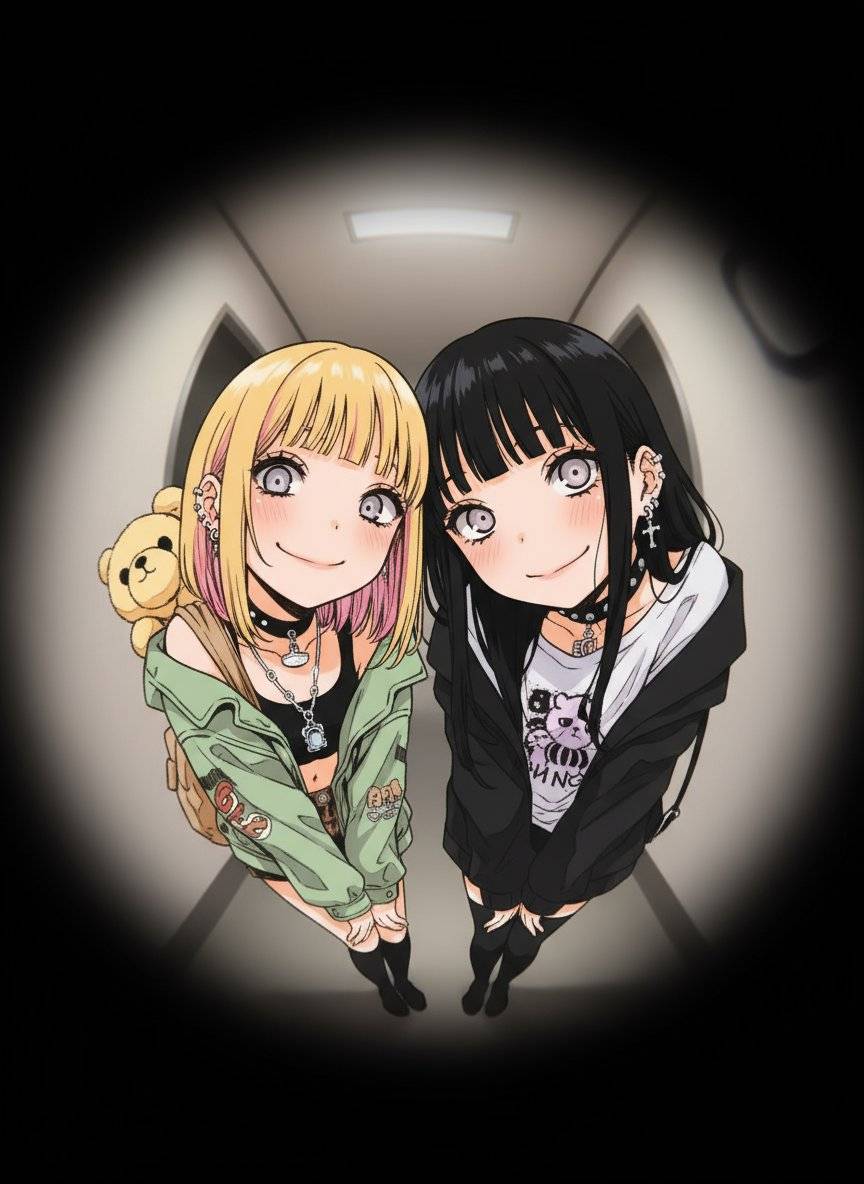
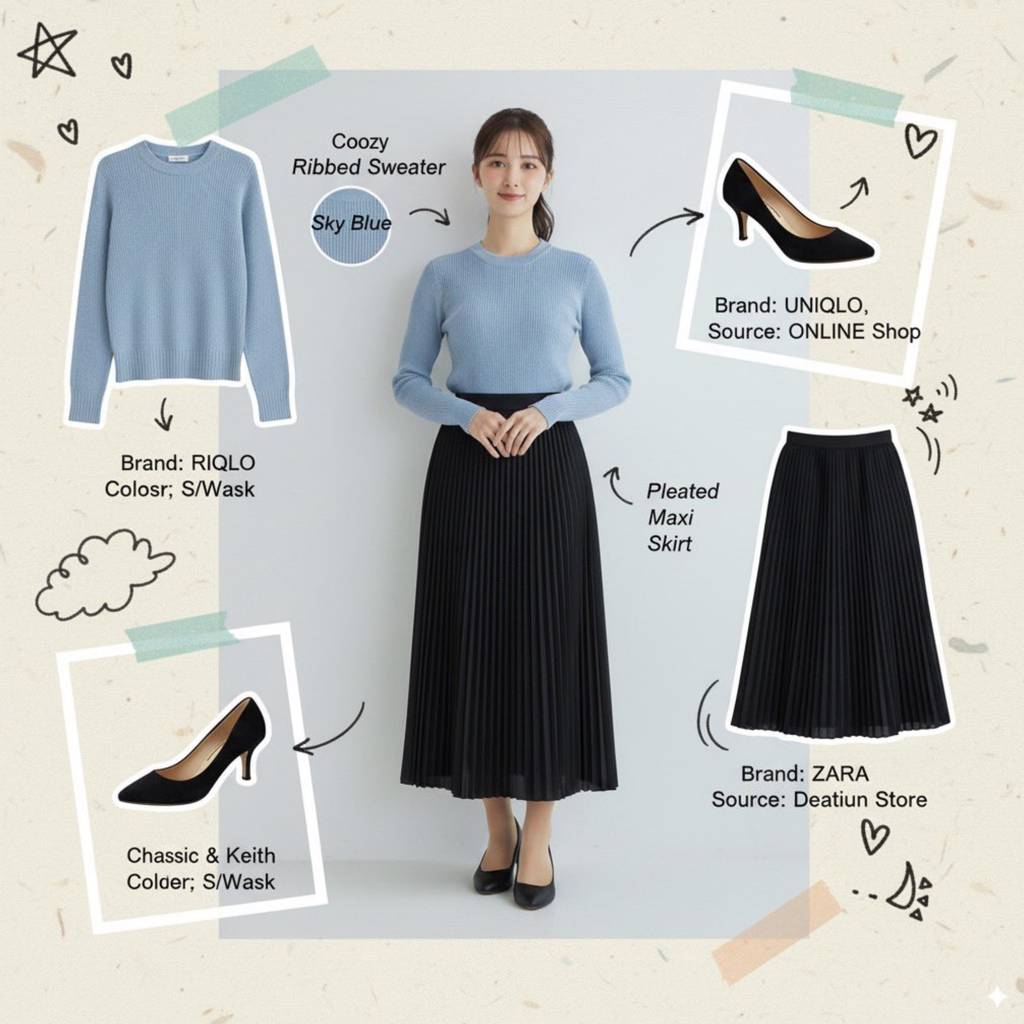
Explore creative image generated by our community using Image to Image AI
Page loading...
Page loading...Reimagine your photos with Imaginify's Image to Image AI generator. Upload any image and watch as our advanced AI technology transforms it into new styles and variations, offering endless creative possibilities.
Explore creative image generated by our community using Image to Image AI
Elevate your visual content with our powerful Image to Image AI transformation tools
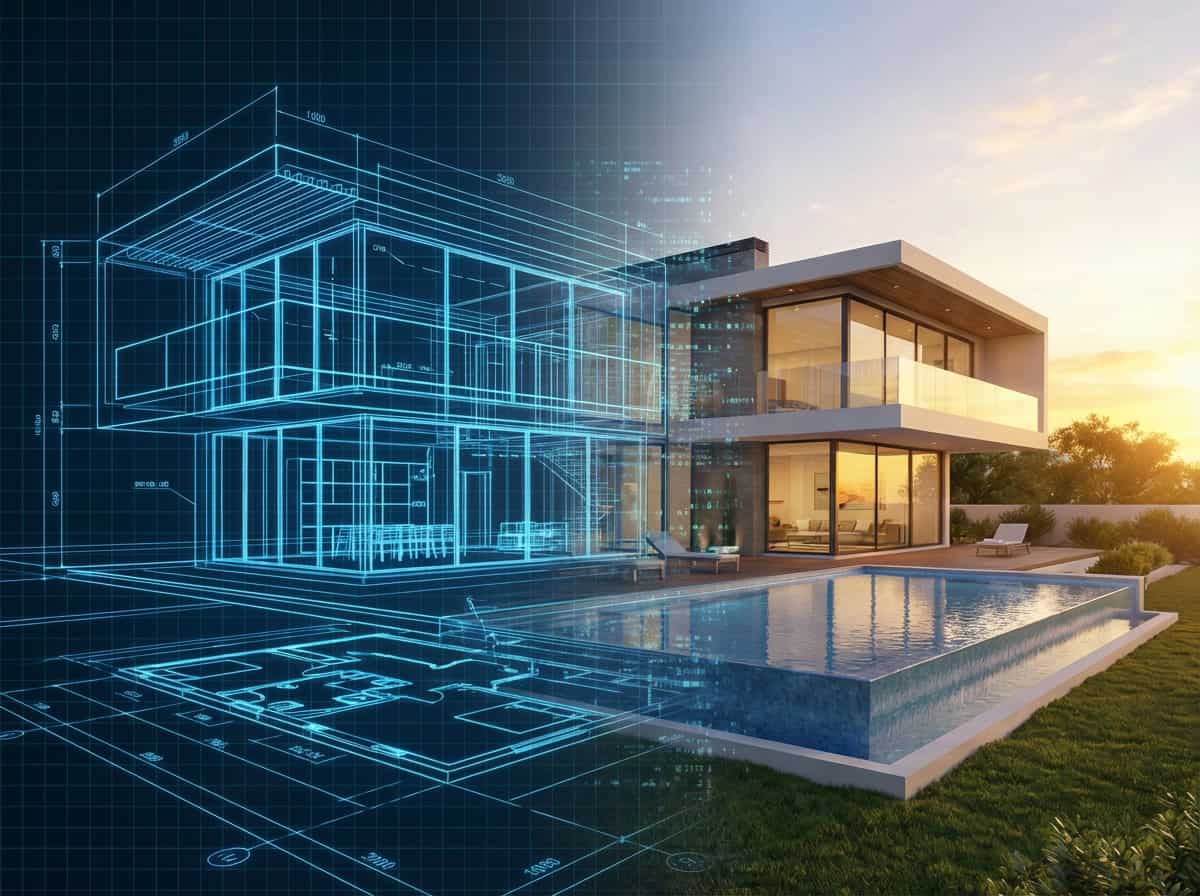
Unlike standard text-to-image tools, our Image to Image AI offers precise control. Upload a photo or wireframe, and the AI respects your exact composition and layout while reimagining the style. This makes Image to Image AI perfect for professionals needing structural adherence.
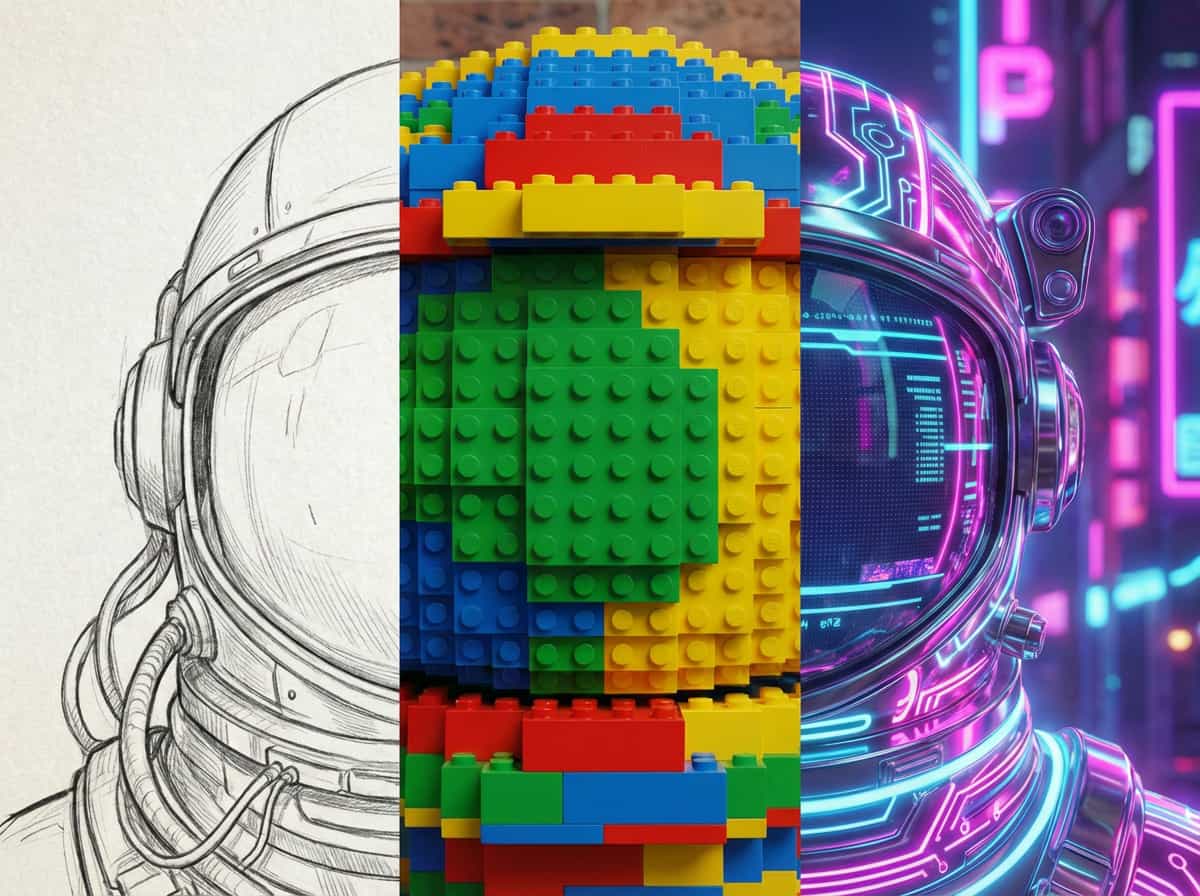
Instantly give assets a new look with Image to Image AI style transfer. Transform product photos into 3D renders or day scenes into cyberpunk nights. Keep your subject identity intact while exploring infinite aesthetic possibilities with our Image to Image AI generator.
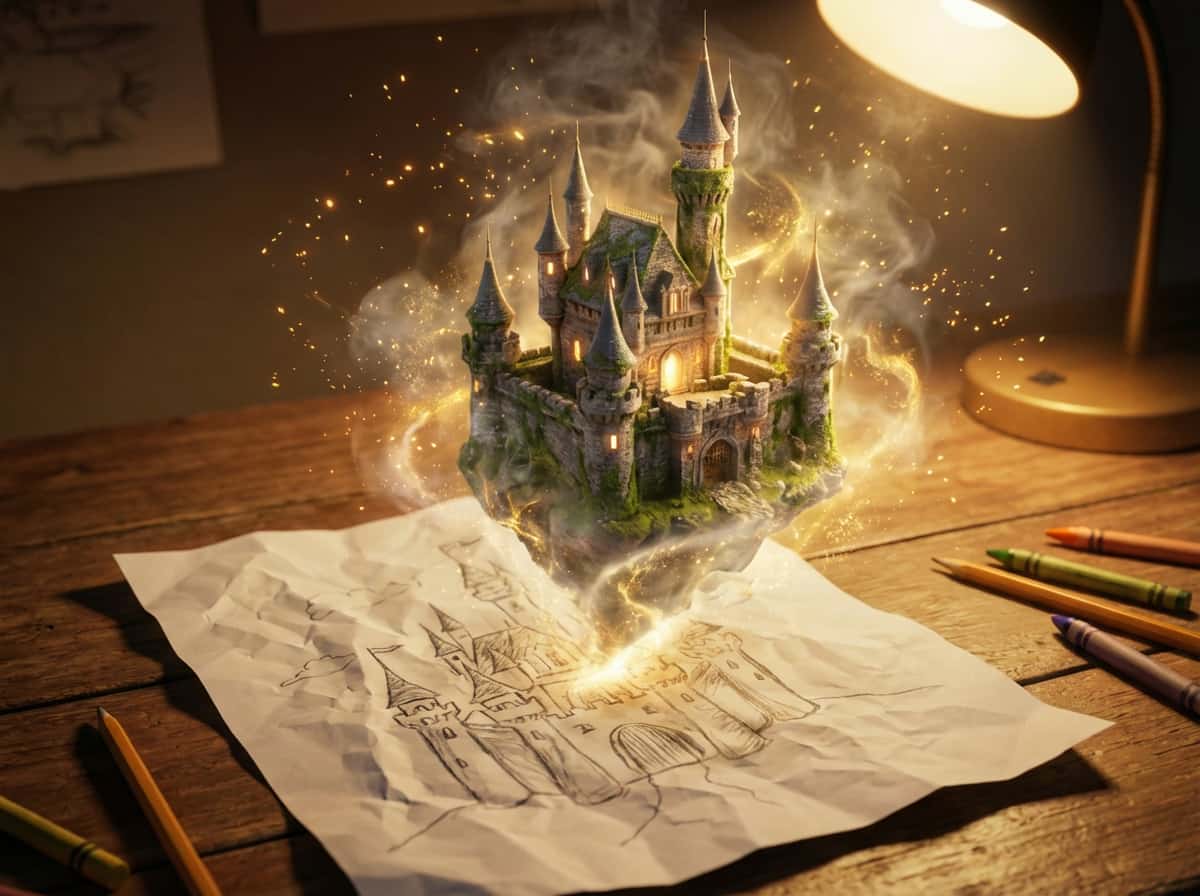
Bridge the gap between idea and reality with Image to Image AI. Turn simple pencil sketches into photorealistic masterpieces in seconds. Our Image to Image AI generator is the ultimate tool for designers to visualize concepts instantly.
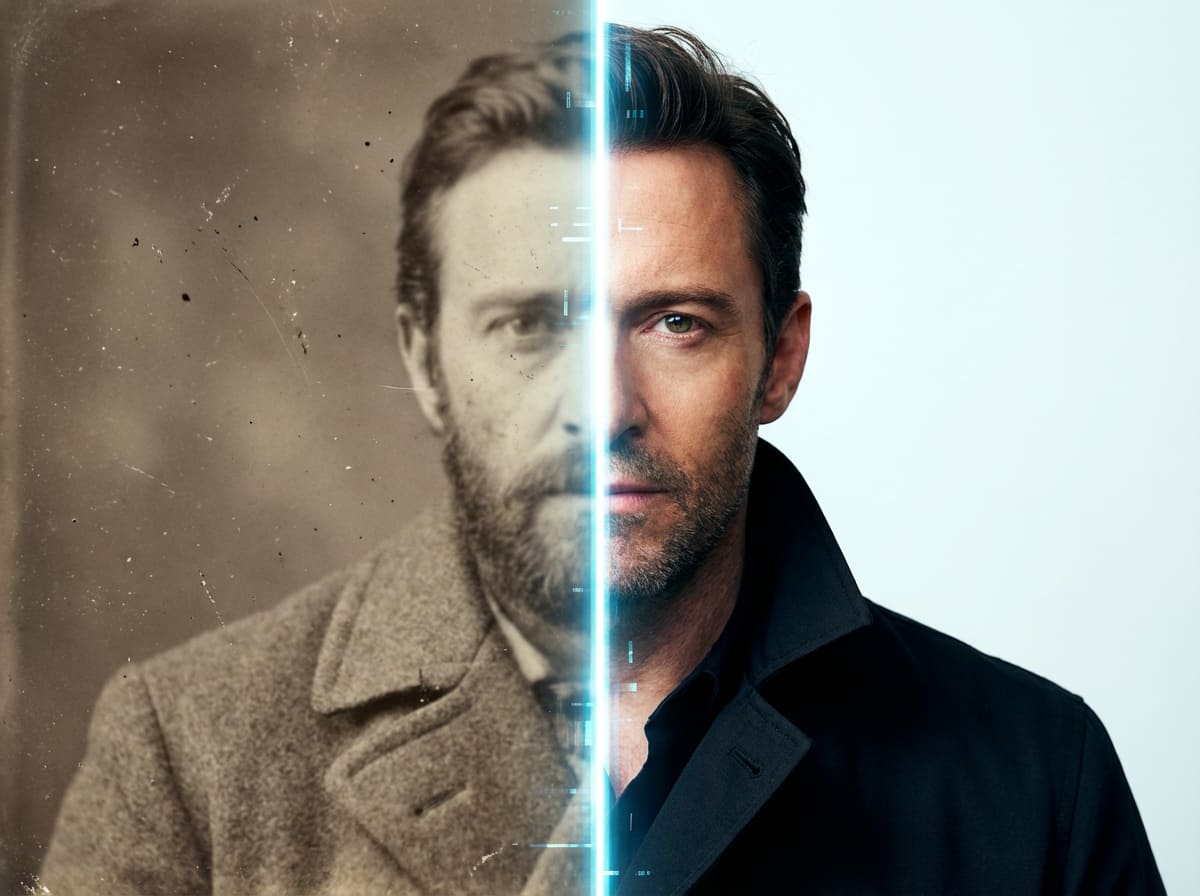
Go beyond creation to restoration with Image to Image AI. It possesses the unique ability to upscale low-resolution images, fix lighting, and restore details. Make blurry memories clear again with Imaginify's Image to Image AI technology.
Discover how Image to Image AI transformation can boost your creativity and productivity
Transform images in 3 easy steps with our AI generator
Start by uploading an image you want to transform with Image to Image AI. It can be a photo, sketch, or design.
Tell the Image to Image AI what to change. e.g., 'Make it look like a watercolor painting' or 'Change the background'.
Watch Image to Image AI reimagine your image in seconds. Download your favorite variations in high resolution.
Common questions about Imaginify Image to Image AI generator
Image to Image AI is a technology that uses an existing image as a reference to generate new images. Unlike text-to-image, Image to Image AI takes the structure and composition of your uploaded image and transforms it based on your prompt, offering precise control over the output.
Our Image to Image AI generator analyzes your uploaded image's pixels and structure using advanced neural networks. It then combines this visual information with your text instructions to create a new image that maintains the original form but applies the new style or content you requested.
Not at all! Image to Image AI is designed for everyone. You can upload a rough sketch, a stick figure, or a simple photo, and the Image to Image AI will do the heavy lifting to turn it into a polished, professional-quality image.
It depends on the 'strength' of your prompt and settings. Image to Image AI allows you to control how much the original image changes. You can ask for subtle lighting adjustments or drastic artistic style transfers. Ideally, Image to Image AI respects the main composition of your reference.
Yes! Images generated with Imaginify's Image to Image AI are royalty-free. You can use your Image to Image AI creations for commercial marketing materials, websites, game assets, and more without any copyright concerns.
Yes, you can start using our Image to Image AI generator for free. We offer trial credits so you can experience the power of Image to Image AI technology before committing to a subscription plan.
Our Image to Image AI generator supports all common image formats including JPG, PNG, and WebP. You can easily upload your files and start transforming them with Image to Image AI in seconds.
While related, Image to Image AI is more powerful than simple style transfer. Traditional style transfer just applies a filter. Image to Image AI understands the content of your image and generates new pixels, allowing for deeper structural changes and higher quality results.
Join the creative revolution. Start using Imaginify Image to Image AI generator today to transform your photos and sketches into something new.