Free AI Image Sharpener Online

Imaginify offers a fast image sharpener for improving edge clarity and making soft photos look cleaner. Use it to sharpen text, objects, and everyday images directly in your browser, then download a clearer result in seconds.

Drag and drop an image here

Or paste an image from clipboard

Try a sample image

By continuing, you agree to our Terms of Service & Privacy Policy.

Sharpening Preview

See Image Sharpener Results

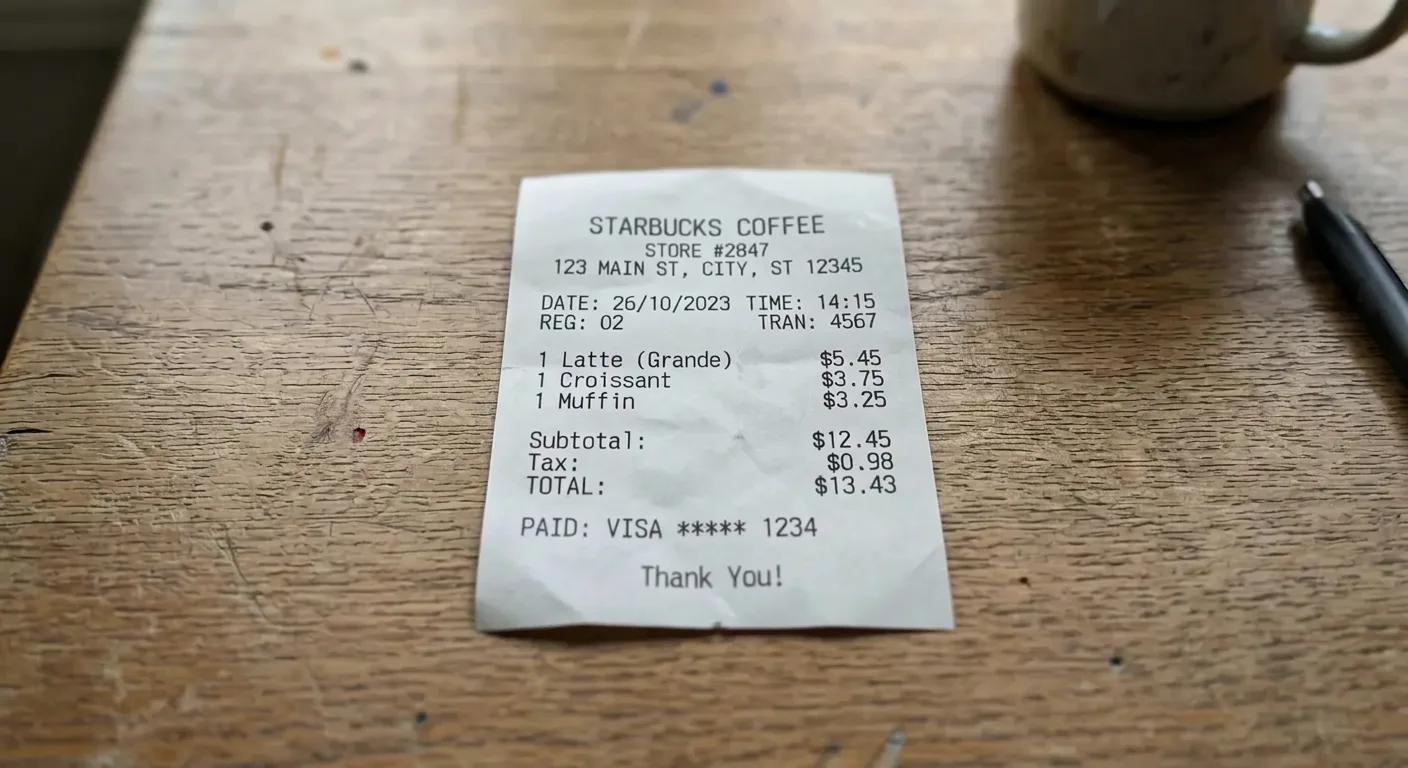
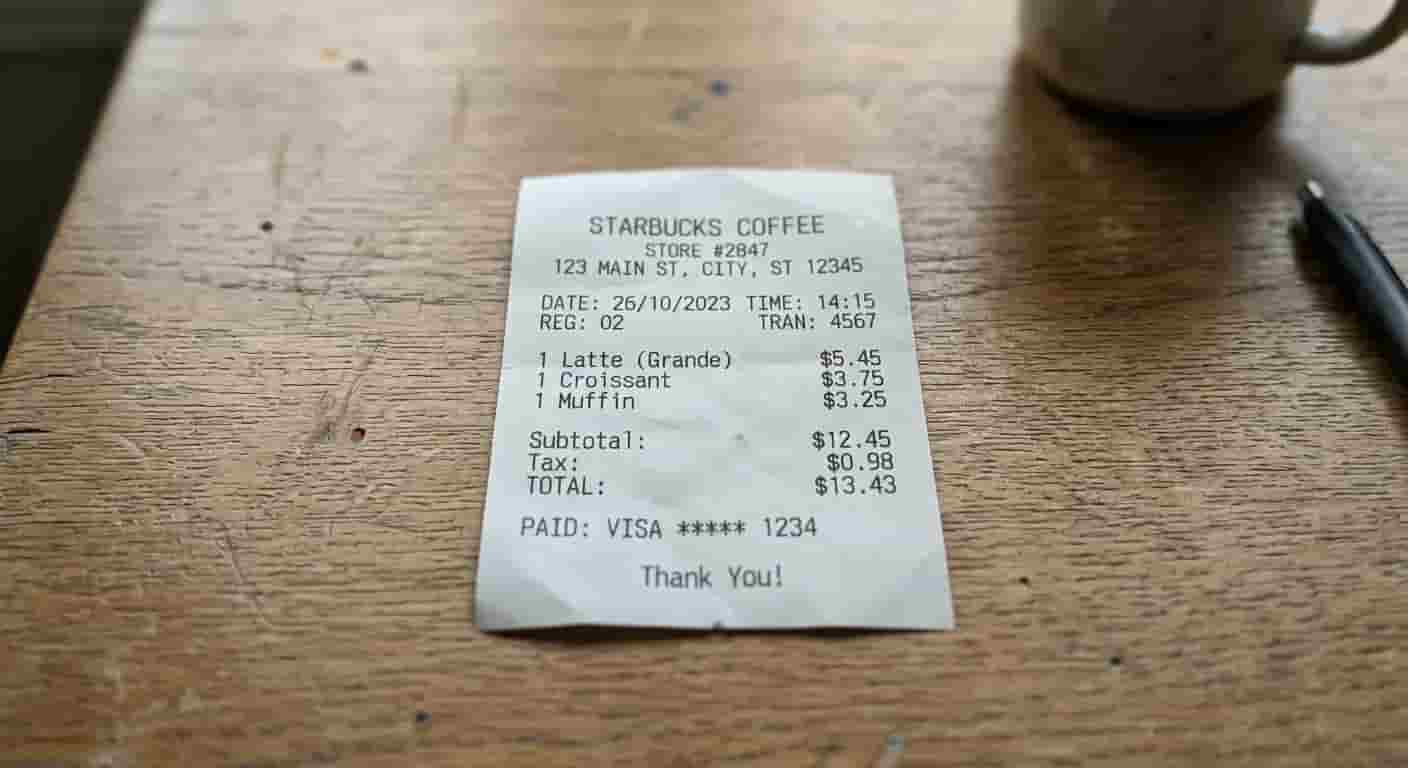
Switch tabs and drag the slider to compare before and after image sharpener examples.

Blurred text after sharpeningBlurred text before sharpening

Make blurry text look clearer in documents, signs, and screenshots with sharper edges and better readability.

Core Benefits

Why Teams Choose This AI Image Sharpener

This online image sharpener focuses on practical clarity improvements: cleaner edges, clearer details, and more readable text. The image sharpener works especially well for soft photos, screenshots, and everyday images that need a sharper final look.

Sharpen Soft Photos and Text

This image sharpener improves edge definition in text, objects, and everyday photos. It helps soft images look clearer without pushing them into an over-processed result.

  • Make soft photos look clearer
  • Improve text readability
  • Create cleaner edges in everyday images

Improve Edge Clarity Naturally

A good image sharpener should improve clarity without adding harsh halos. This image sharpener keeps edges and fine details looking cleaner while preserving a natural result.

  • Improve visible detail in soft areas
  • Preserve natural skin and material textures
  • Avoid over-sharpened halos and artifacts

Fast Online Workflow for Daily Production

You can sharpen images directly in the browser without installing software. This photo sharpener is designed for fast turnaround when you need cleaner-looking results quickly, not after a long editing queue.

  • Image sharpener in your browser
  • Simple process for teams and creators
  • Ready-to-use output in seconds
How It Works

Sharpen Images in 3 Clear Steps

The Imaginify image sharpener keeps the process simple so you can improve image clarity quickly and move on to publishing, sharing, or delivery. This image sharpener is built for fast everyday use.

1

Upload your photo

Drop in a JPG, PNG, or WebP image. The tool checks overall softness and edge clarity before processing.

2

Apply AI sharpening

The model sharpens edges and improves visible detail in one pass while aiming to keep textures natural. The image sharpener is tuned for cleaner-looking results.

3

Download your sharpened image

Review the result and export your final file for documents, listings, social media, or creative projects with confidence.

FAQ

AI Image Sharpener FAQ

Common questions about using Imaginify to sharpen images online


Start Using the AI Image Sharpener Now

Upload a photo and sharpen it in seconds with Imaginify. Improve clarity, clean up soft edges, and create sharper-looking visuals online with this image sharpener.