Free AI Face Enhancer Online

Imaginify AI Face Enhancer helps you restore clearer faces, reduce blur, and recover natural skin, eye, and hair detail in portraits, selfies, group photos, and old photos. Upload one image and get a cleaner, more realistic face result in seconds.

Drag and drop a portrait or selfie here

Or paste an image from clipboard

Try a sample face photo

By continuing, you agree to our Terms of Service & Privacy Policy.

Face Detail Preview

See What AI Face Enhancer Can Recover

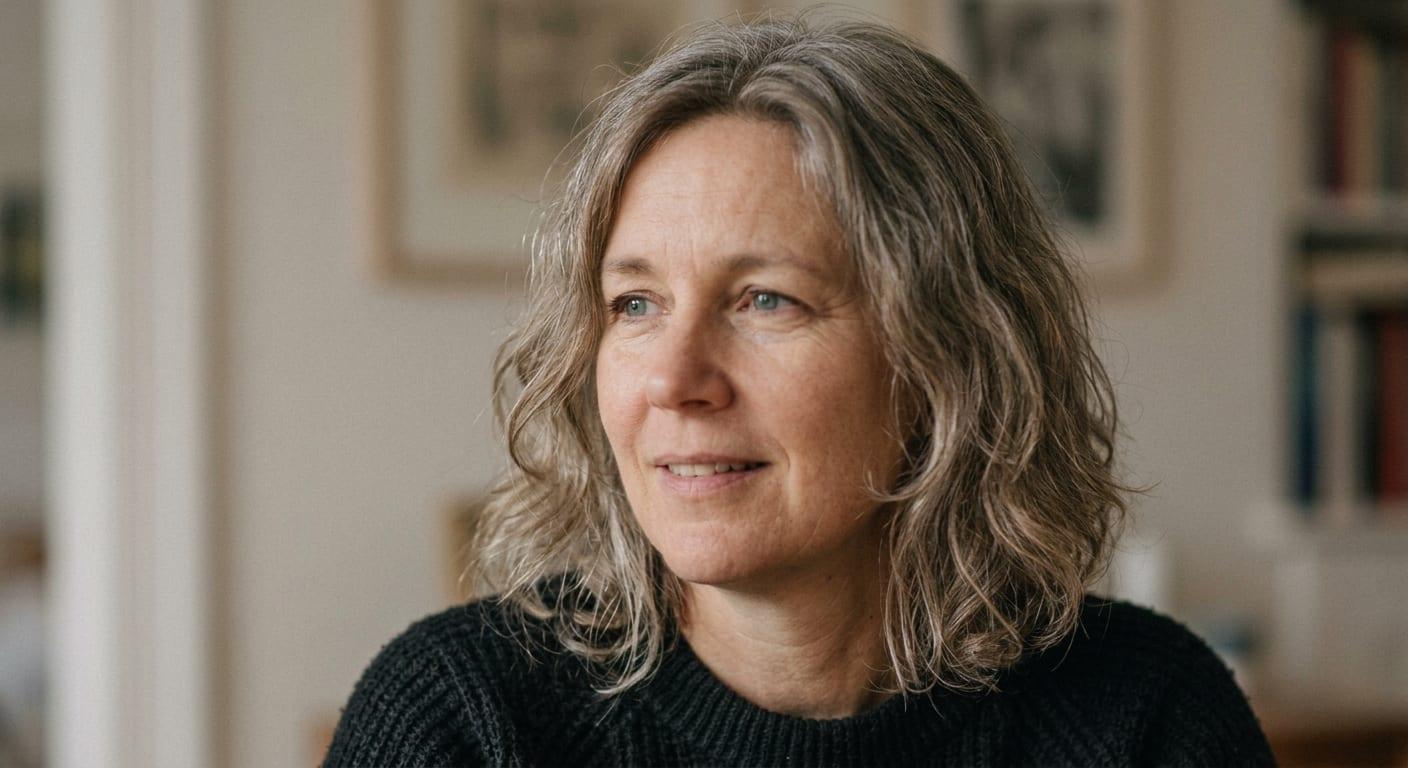
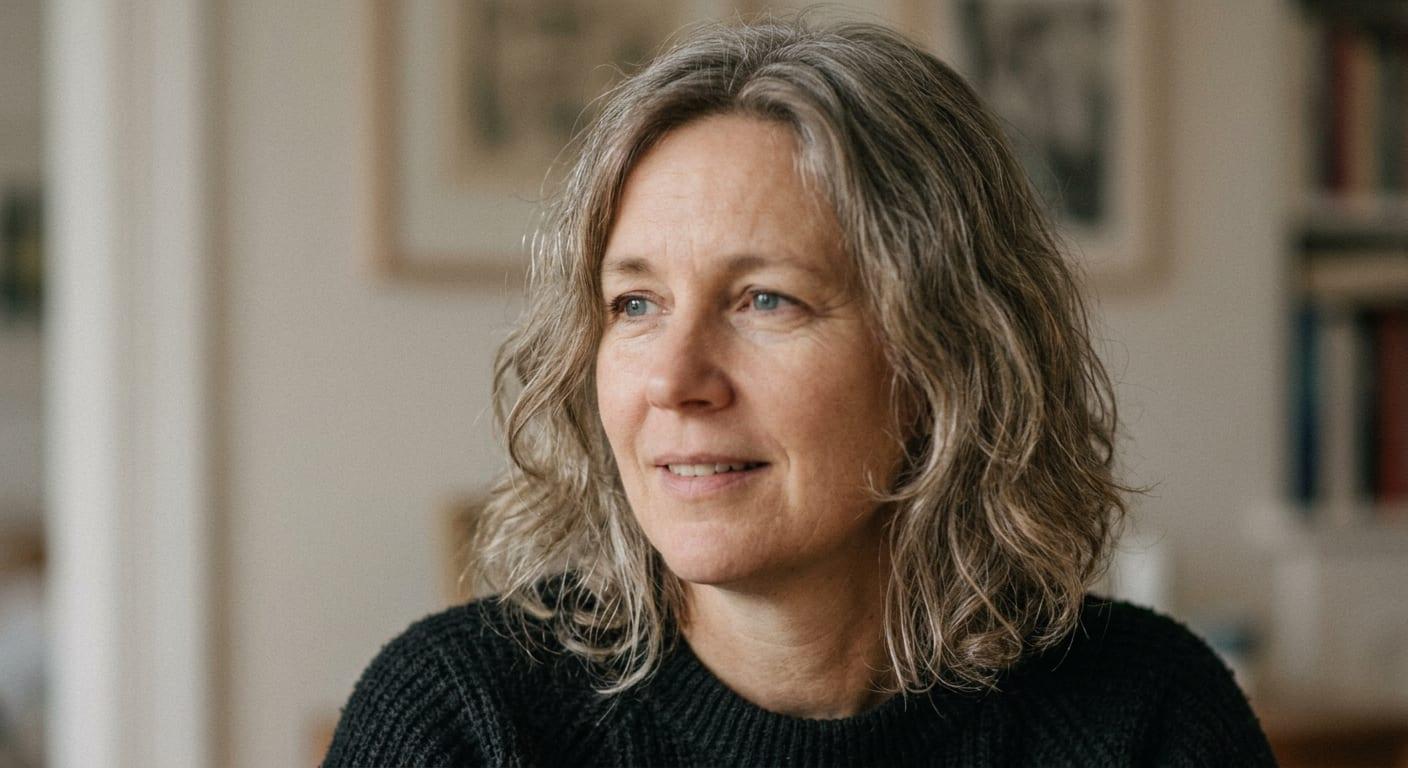
Compare AI face enhancer before and after examples to see how clearer eyes, cleaner skin texture, and sharper facial contours can improve a portrait.

Portrait after AI face enhancementPortrait before AI face enhancement

Recover soft facial detail, sharpen the eyes and brows, and keep natural skin texture instead of a heavy beauty-filter look.

Why It Works

Why This AI Face Enhancer Looks Natural

This AI Face Enhancer is tuned for practical portrait recovery. It focuses on facial clarity, realistic texture, and natural-looking cleanup so your image still looks like the original person.

Restore Blurry Face Detail

Recover visible structure in the eyes, eyebrows, lips, and facial contours when portraits look soft, low-resolution, or slightly blurred.

  • Restore blurry face photos online
  • Make key facial features clearer
  • Improve low-detail portraits fast

Keep Natural Skin and Hair Texture

Instead of flattening everything into smooth plastic skin, the tool aims to preserve realistic texture in skin, hair, and edges for a cleaner but believable result.

  • Natural-looking skin detail
  • Sharper eyes and hair strands
  • No heavy beauty-filter feel

Better Portraits for Real Use Cases

Use it for selfies, profile images, headshots, social posts, creator photos, and old family pictures when you need a faster face cleanup workflow.

  • Great for profile and headshot polish
  • Useful for selfies and group photos
  • Simple browser workflow
How It Works

Use AI Face Enhancer in 3 Steps

Upload your image, let AI Face Enhancer restore facial detail, and download the improved result when it is ready.

1

Upload a portrait or selfie

Start with a JPG, PNG, or WebP image. The model works best when the face is visible and not heavily blocked.

2

Run AI face enhancement

Imaginify restores clarity in facial features, improves texture definition, and cleans up blur while keeping the person recognizable.

3

Download the enhanced result

Save the final image for profiles, social content, headshots, family photos, or any workflow that needs a cleaner face result.

FAQ

AI Face Enhancer FAQ

Common questions about using AI Face Enhancer to restore blurry and low-detail faces with Imaginify


Start Using AI Face Enhancer Online

Upload a portrait, selfie, or old photo and let AI Face Enhancer recover sharper, more natural facial detail in seconds with Imaginify.