Free AI Unblur Image Online

Imaginify helps you unblur image files that look blurry because of motion, shaky hands, or missed focus. Upload a blurred photo, screenshot, or document, let AI restore cleaner edges and readable details, then download the sharper result directly in your browser.

Drag and drop an image here

Or paste an image from clipboard

Try a sample image

By continuing, you agree to our Terms of Service & Privacy Policy.

Unblur Preview

See Unblur Image Results

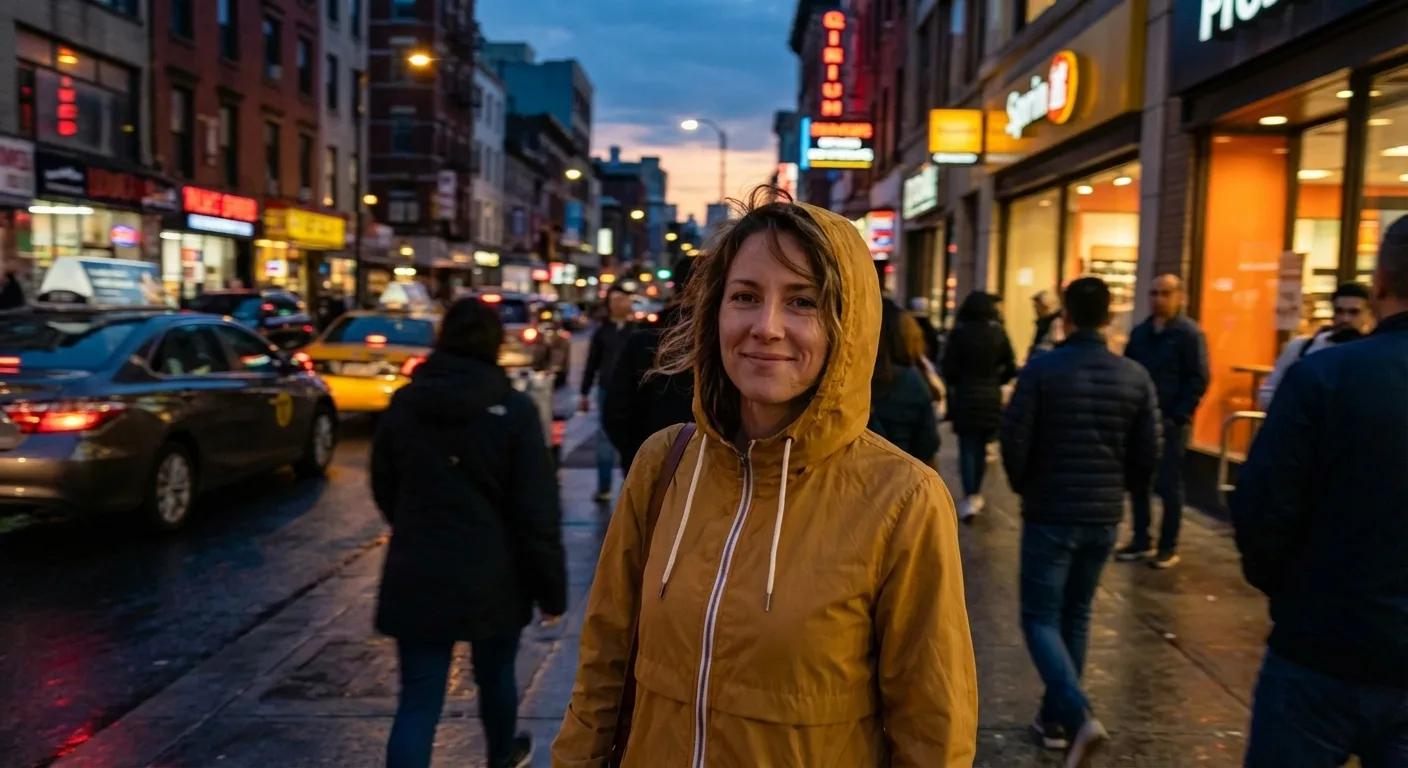
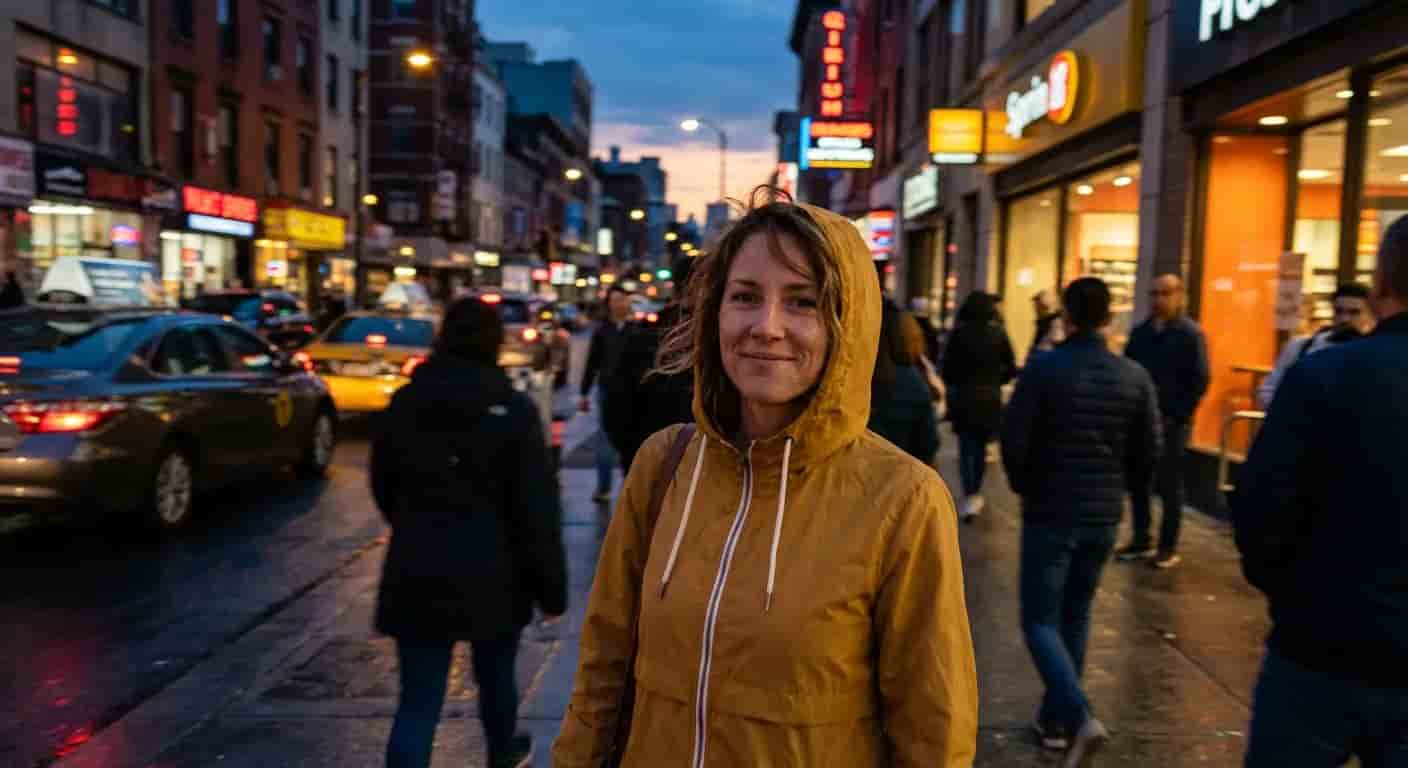
Compare the same photo before and after AI unblur image processing to see how motion blur, soft focus, and text clarity improve.

Motion blurred portrait after unblurMotion blurred portrait before unblur
Before
After

Reduce motion blur around the face and jacket so the subject looks cleaner without changing the scene or lighting.

Core Benefits

Why People Use This AI Unblur Image Tool

This tool is built for quick, practical fixes when photos, screenshots, or text look blurry. It helps restore clearer detail online without sending you into a full editing workflow.

Reduce Motion Blur and Soft Focus

Use AI to unblur image files affected by camera shake, quick movement, or minor focus errors. The tool aims to recover clearer edges while keeping subjects natural.

  • Fix light motion blur in everyday photos
  • Recover cleaner outlines and visible details
  • Preserve the original composition

Restore Text, Screenshots, and Documents

This tool works well for screenshots, menus, receipts, and scans where readability matters more than heavy retouching.

  • Improve readability in blurry text
  • Clean up screenshots and document captures
  • Make signs and labels easier to read

Free Online Workflow With AI

Imaginify keeps the workflow simple: upload, unblur, download. It is a practical online option when you need a quick fix without opening a full editor.

  • No desktop editor required
  • Fast browser-based turnaround
  • Good fit for quick daily fixes
How It Works

Unblur Images in 3 Simple Steps

This unblur image workflow is designed for fast, practical restoration. You can recover clearer photo details or more readable text without going through a full editing workflow.

1

Upload your blurred image

Add a JPG, PNG, or WebP photo, screenshot, or scan that needs help with motion blur, soft focus, or camera shake.

2

Apply AI deblurring

The model restores edge definition and visible detail while trying to keep textures, lighting, and the original composition natural.

3

Download the clearer result

Review the restored output and save it for messaging, publishing, listings, documents, or everyday sharing.

FAQ

Unblur Image FAQ

Common questions about using Imaginify to unblur image files online


Start Unblurring Images with AI

Upload a blurry or shaky image and let Imaginify restore clearer detail in seconds.